 Utility
RPG Maker MZ
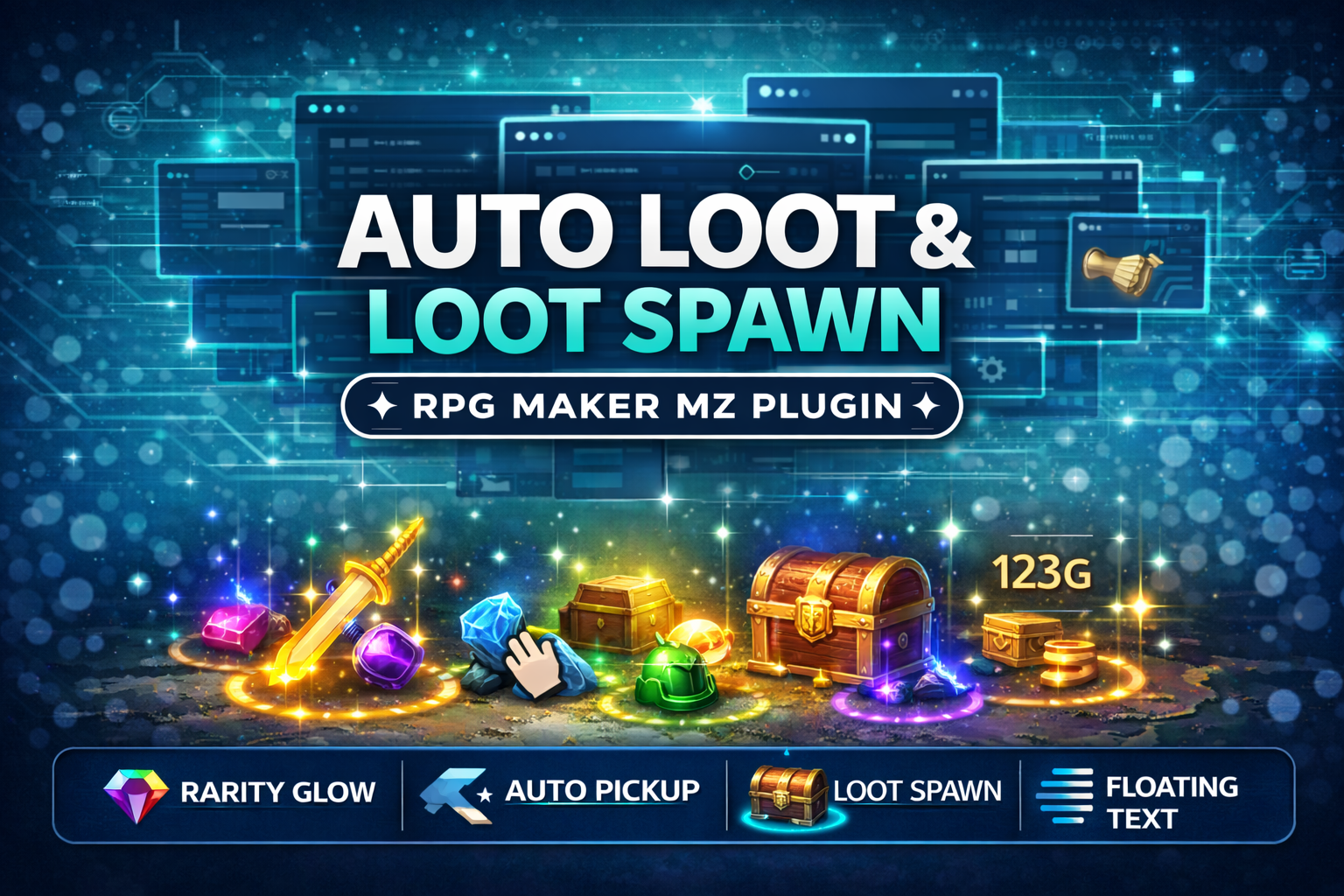
CT_AutoLoot & LootSpawn System - Rarity Glow + Auto Pickup (RPG Maker MZ Plugin)
Add polished, action-RPG style loot drops to your RPG Maker MZ game! Also lets you spawn glowing loot on the map
$4.99 USDVIEW DETAILS →
Utility / RPG Maker MZ
Set default text color, font size, and outline thickness for RPG Maker MZ windows/messages.
Checkout and downloads on itch.io. Check the listing for the current price.
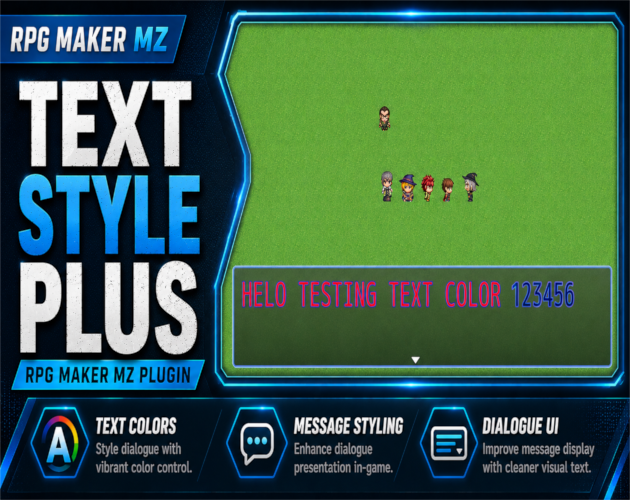
CT Text Style Plus is a simple, beginner-friendly RPG Maker MZ plugin that lets you control the default look of your game text without editing engine code.
Change your default text color, adjust your default font size, and optionally force custom outline color and outline thickness for drawn text.
This is made for creators who want cleaner, more readable UI and message text with quick plug-and-play settings.
CT Text Style Plus lets you customize:
This plugin is designed to respect RPG Maker’s normal message control codes.
For example:
That means you can set a clean default style while still using RPG Maker’s built-in escape codes whenever you need special text effects.
RPG Maker MZ’s default text style can be a little limiting if you want a different visual identity for your project.
CT Text Style Plus gives you a fast way to make your menus, messages, and UI text feel more polished without manually editing every window or message.
It is useful for:
Choose a default text color for windows and/or messages.
Includes common color options such as:
Set a fixed font size or add an offset to the engine’s default font size.
You can also clamp the minimum and maximum font size to keep your UI from becoming too small or too large.
Force a custom outline color and thickness.
Useful when your text needs stronger contrast against bright backgrounds, custom windows, or busy UI art.
Choose where the plugin applies:
You can apply outline override only to numbers if you want damage values, gold values, counters, or numeric UI text to stand out more clearly.
No scripting required.
Just install the plugin, turn on the settings you want, and adjust the plugin parameters from RPG Maker MZ’s Plugin Manager.
**(https://cynthiatool.itch.io/cynthia-tools-picture-event-binderrpg-maker-mz-plugin)
Picture Event Binder (Click here to view) (https://cynthiatool.itch.io/cynthia-tools-picture-event-binderrpg-maker-mz-plugin)
CT_PictureEventBinder turns any Show Picture image into a powerful UI button for your RPG Maker MZ projects.
Bind Common Events, Map Events and Troop Event Pages to pictures, add hover/press visual feedback, tooltips, enable/disable states and button sounds
-------------------------------------------------------------------------------------------
Farming System (Click here to view) (https://cynthiatool.itch.io/cynthia-tools-farming-systemrpgmaker-mz-plugin)
"a plugin that let you have farming features inside your rpgmaker mz game.
-------------------------------------------------------------------------------------------
Elemental Reaction System (Click here to view) (https://cynthiatool.itch.io/cynthia-tools-elemental-reaction-systemrpgmaker-mz-plugin)
" brings modern elemental combo reactions to RPG Maker MZ, allowing skills to chain elements, trigger reaction effects, and add visual impact to combat with minimal setup.
-----------------------------------------------------------------------------------------
Join the CT Update List for free RPG Maker MZ plugin releases, bug fixes, tips, and bundle discounts: https://cynthiatools-8yhtgy.subscribepage.io (https://cynthiatools-8yhtgy.subscribepage.io/)
(https://itch.io/blog/1488103/terms-of-use-license) (https://itch.io/blog/1517825/ai-maker-philosophy)**
Built with AI assistance. Shaped, tested, and supported by a real maker.
1 / 5
Ready to put it to work?
▶ GET IT ON ITCH.IOUtilityRPG Maker MZ
Add polished, action-RPG style loot drops to your RPG Maker MZ game! Also lets you spawn glowing loot on the map
 Utility
RPG Maker MZ
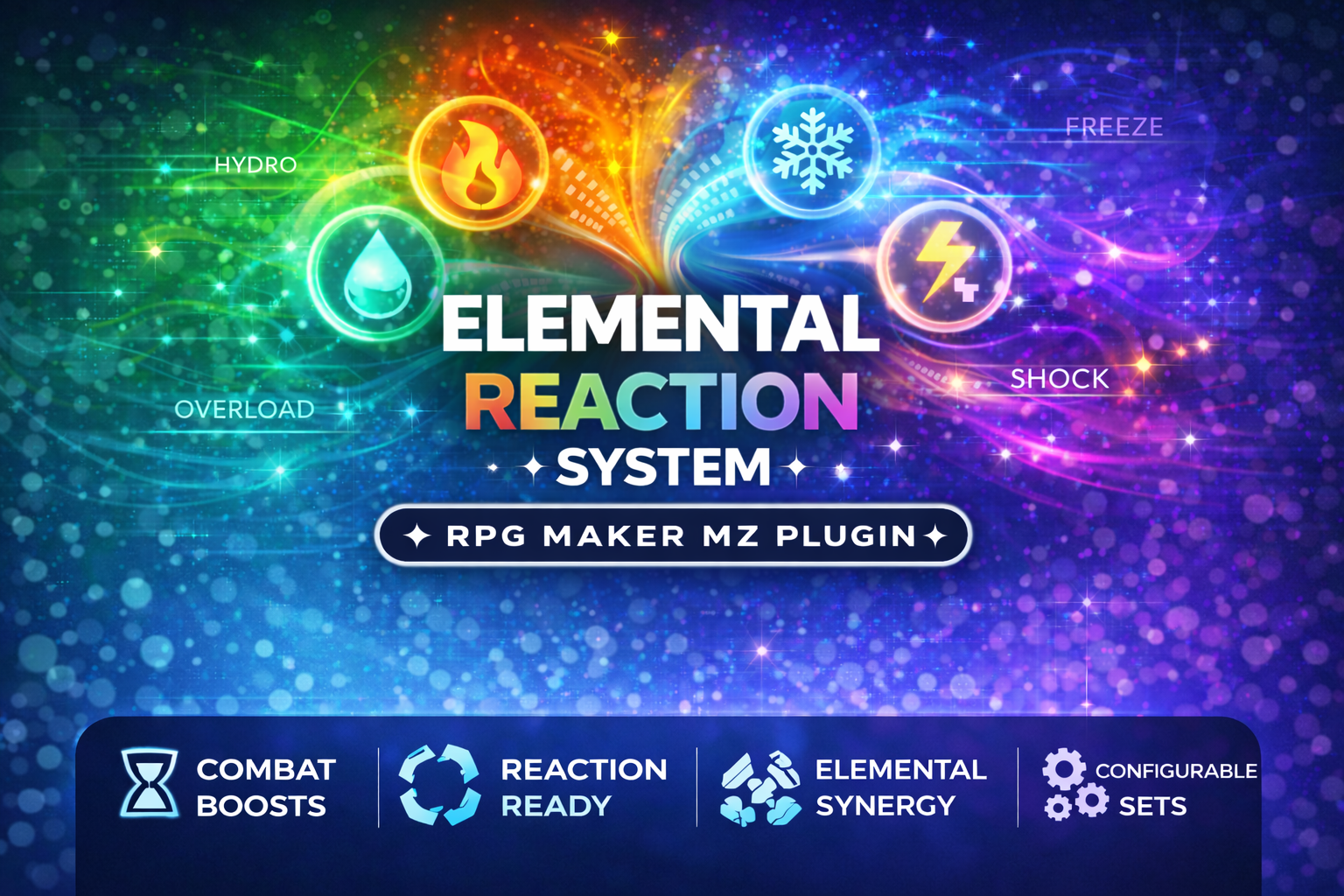
CT_ElementalReactions is a professional, plug-and-play Elemental Reaction Combat System for RPG Maker MZ
 Utility
RPG Maker MZ
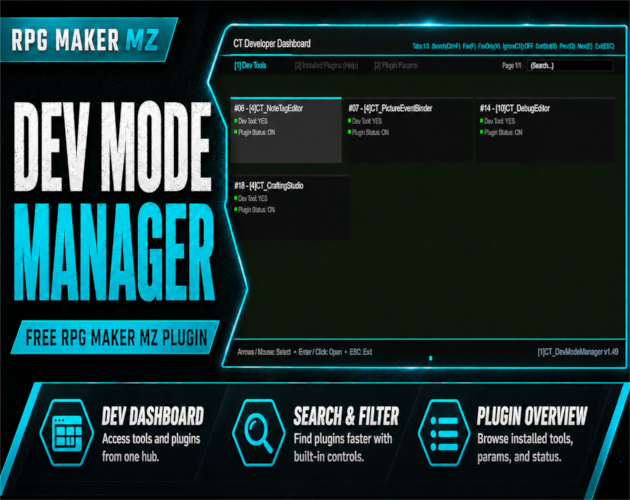
An in-game developer dashboard for RPG Maker MZ — dev tool launcher, parameter inspector, and plugin help viewer.