 Utility
RPG Maker MZ
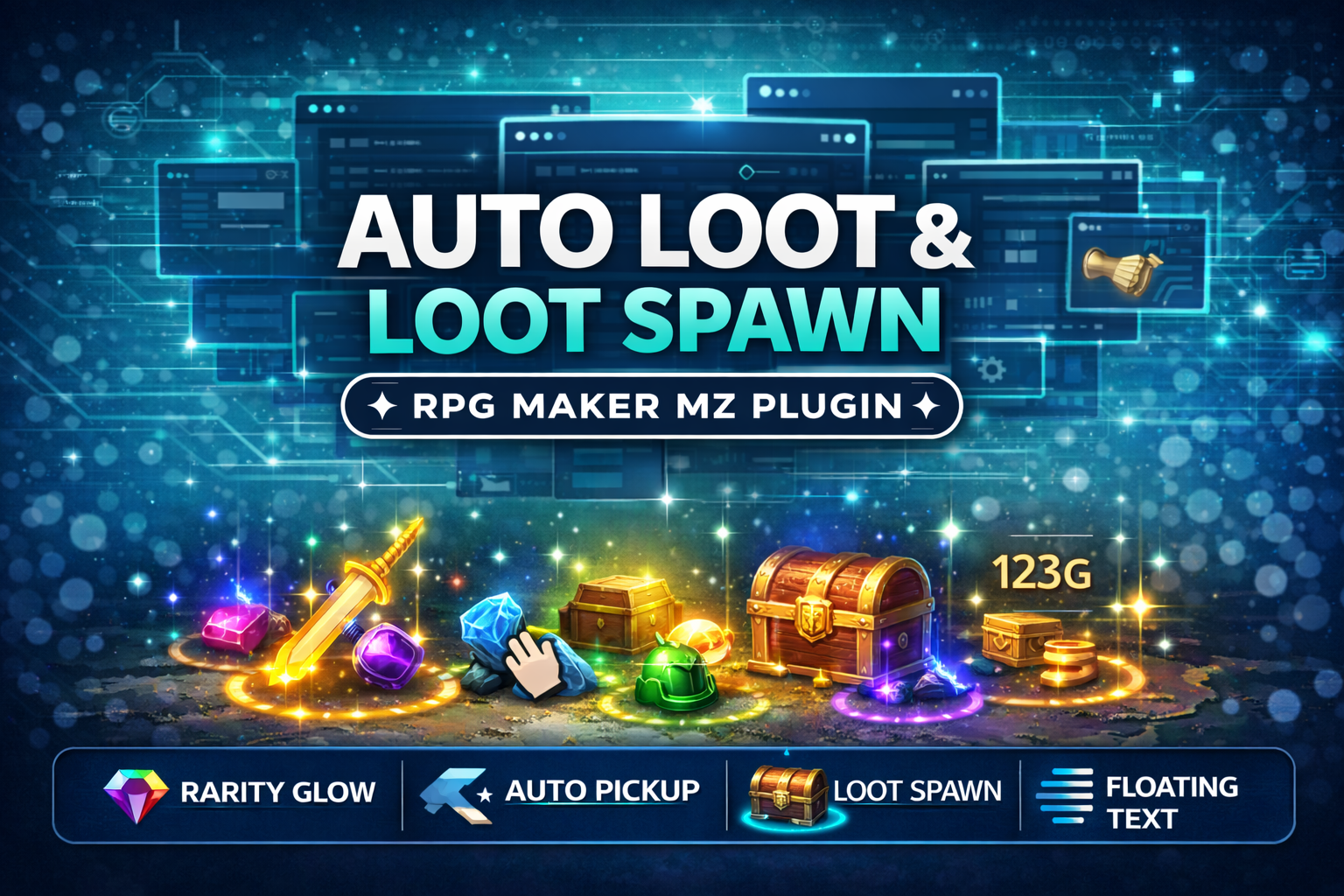
CT_AutoLoot & LootSpawn System - Rarity Glow + Auto Pickup (RPG Maker MZ Plugin)
Add polished, action-RPG style loot drops to your RPG Maker MZ game! Also lets you spawn glowing loot on the map
$4.99 USDVIEW DETAILS →
Utility / RPG Maker MZ
An in-game developer dashboard for RPG Maker MZ — dev tool launcher, parameter inspector, and plugin help viewer.
Checkout and downloads on itch.io. Check the listing for the current price.
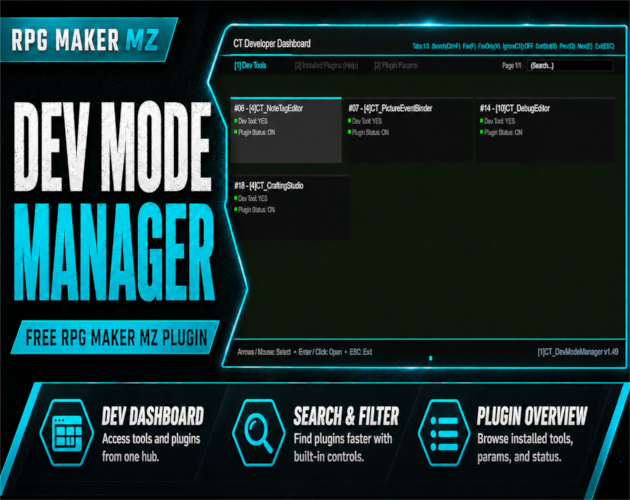
Developer Dashboard System for RPG Maker MZ
CT_DevModeManager adds a powerful in-game developer dashboard that allows you to inspect and manage your plugins without leaving the game.
Designed for plugin developers and advanced RPG Maker users, it provides a clean, fast, fullscreen developer interface that helps you view plugin information, access tools, and debug projects more efficiently.
##
##
##
Press your configured activation key to open the CT Developer Dashboard, a fullscreen developer interface.
Inside the dashboard you can:
• Browse installed plugins
• View plugin help documentation
• Inspect plugin parameters
• Launch registered developer tools
• Quickly search plugins
• Mark favorites
• Filter plugin lists
• Navigate using keyboard or mouse
Plugins may register tools using the
DMM public API.
Registered tools will appear inside:
Dev Dashboard → Dev Tools
Examples of tools that can be added:
• Crafting editors
• Quest editors
• Dialogue editors
• Debug panels
• Plugin configuration tools
Quickly read plugin documentation directly inside the game.
• Extracts @help text from plugin files
• Fullscreen help viewer
• Scrollable documentation
• No need to open plugin files manually
Inspect plugin parameters in a clean, readable format.
• Displays plugin parameters in a fullscreen viewer
• Scrollable parameter list
• Useful for debugging configuration
Plugins can register their own developer tools inside the dashboard.
The DevModeManager acts as a central hub for development tools, allowing plugins to add their own editors or debugging utilities.
The system is designed with stability and safety in mind.
• Scene-safe overlays
• Input protection
• Anti-spam input locks
• Works in Map, Battle, and Menu scenes
Activation Key
You can configure the activation key inside the plugin parameters.
Examples:
• Enter
• Ctrl + Enter
• Alt + D
• F10 / F11 / F12
Dashboard Navigation
Keyboard:
• Arrow keys — move selection
• Enter — open item
• ESC — close dashboard
• Ctrl + F — search plugins
• Q / E — change pages
• F — toggle favorite
• V — favorites only filter
• S — change sorting mode
Mouse navigation is also fully supported.
Supports multiple screen profiles:
• 1920×1080 (default)
• 1280×720
• 816×624
UI automatically scales based on the selected profile.
RPG Maker MZ
No external libraries required.
Free for commercial and non-commercial RPG Maker projects.
You may include this plugin inside finished games.
You may NOT:
• redistribute the plugin
• resell it
• include it in plugin packs or toolkits
See the plugin file for the full license terms.
Check out our best-selling RPG Maker plugin!
Picture Event Binder (Click here to view) (https://cynthiatool.itch.io/cynthia-tools-picture-event-binderrpg-maker-mz-plugin)
CT_PictureEventBinder turns any Show Picture image into a powerful UI button for your RPG Maker MZ projects.
Bind Common Events, Map Events and Troop Event Pages to pictures, add hover/press visual feedback, tooltips, enable/disable states and button sounds
--------------------------------------------------------------------------------------------------
Farming System (Click here to view) (https://cynthiatool.itch.io/cynthia-tools-farming-systemrpgmaker-mz-plugin)
"a plugin that let you have farming features inside your rpgmaker mz game.
--------------------------------------------------------------------------------------------------
Elemental Reaction System (Click here to view) (https://cynthiatool.itch.io/cynthia-tools-elemental-reaction-systemrpgmaker-mz-plugin)
" brings modern elemental combo reactions to RPG Maker MZ, allowing skills to chain elements, trigger reaction effects, and add visual impact to combat with minimal setup.
---------------------------------------------------------------------------------------------------
Join the CT Update List for free RPG Maker MZ plugin releases, bug fixes, tips, and bundle discounts: https://cynthiatools-8yhtgy.subscribepage.io (https://cynthiatools-8yhtgy.subscribepage.io/)
(https://itch.io/blog/1488103/terms-of-use-license)
(https://itch.io/blog/1517825/ai-maker-philosophy)
Built with AI assistance. Shaped, tested, and supported by a real maker.
1 / 6
Ready to put it to work?
▶ GET IT ON ITCH.IOUtilityRPG Maker MZ
Add polished, action-RPG style loot drops to your RPG Maker MZ game! Also lets you spawn glowing loot on the map
 Utility
RPG Maker MZ
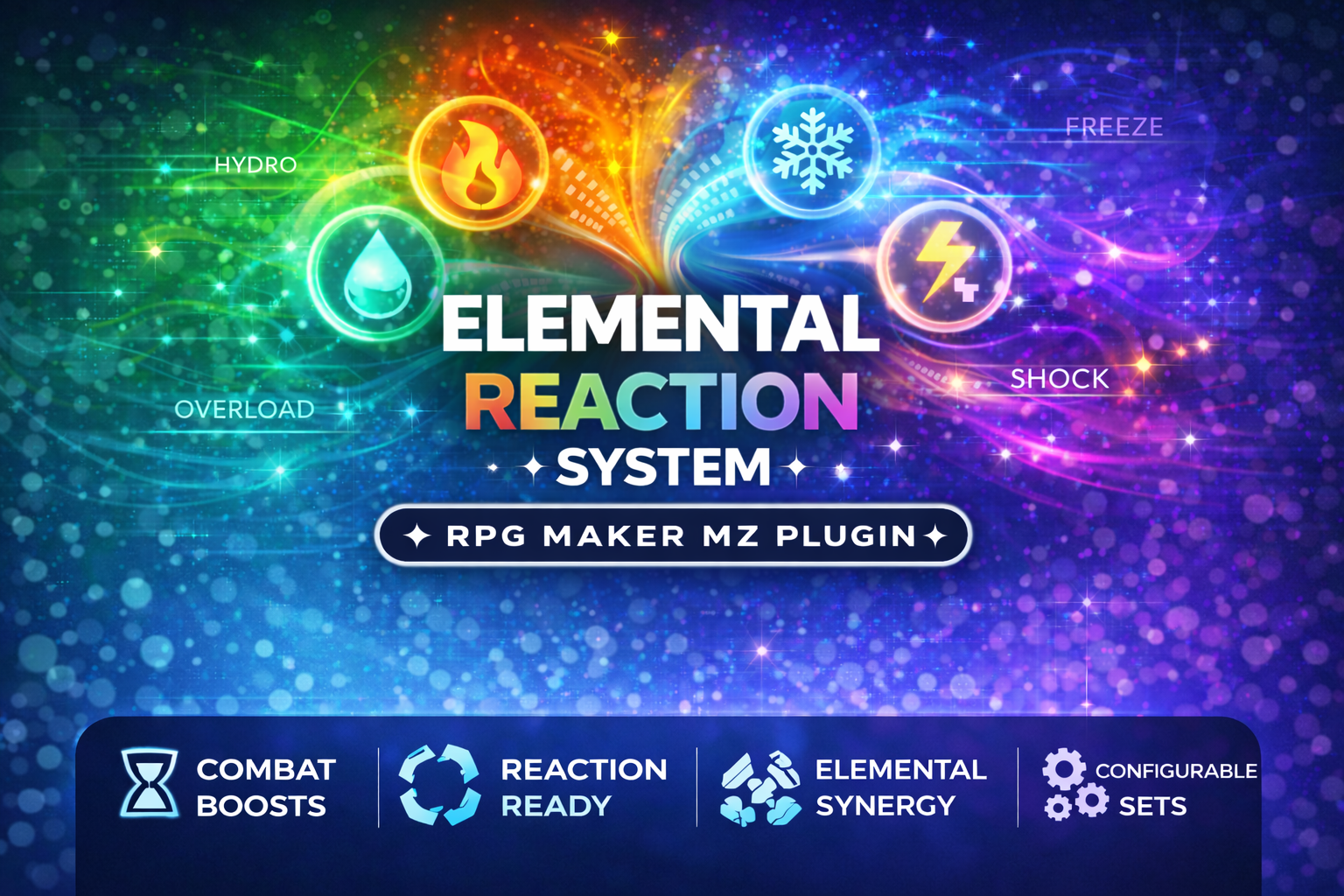
CT_ElementalReactions is a professional, plug-and-play Elemental Reaction Combat System for RPG Maker MZ
 Utility
RPG Maker MZ
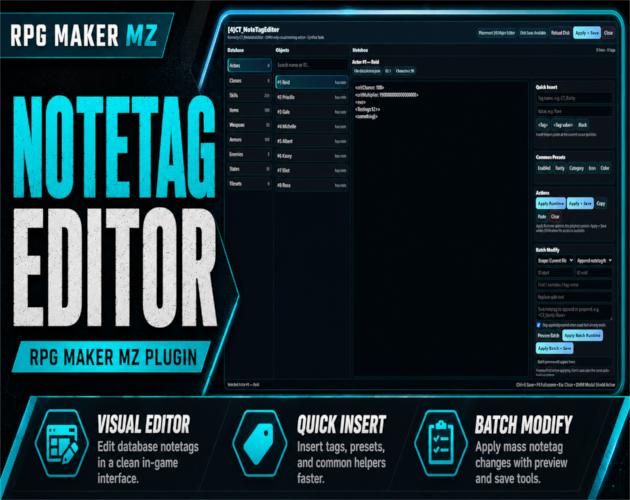
Visual DMM-powered notetag editor for RPG Maker MZ with runtime apply, batch modify, and responsive UI.