 Utility
RPG Maker MZ
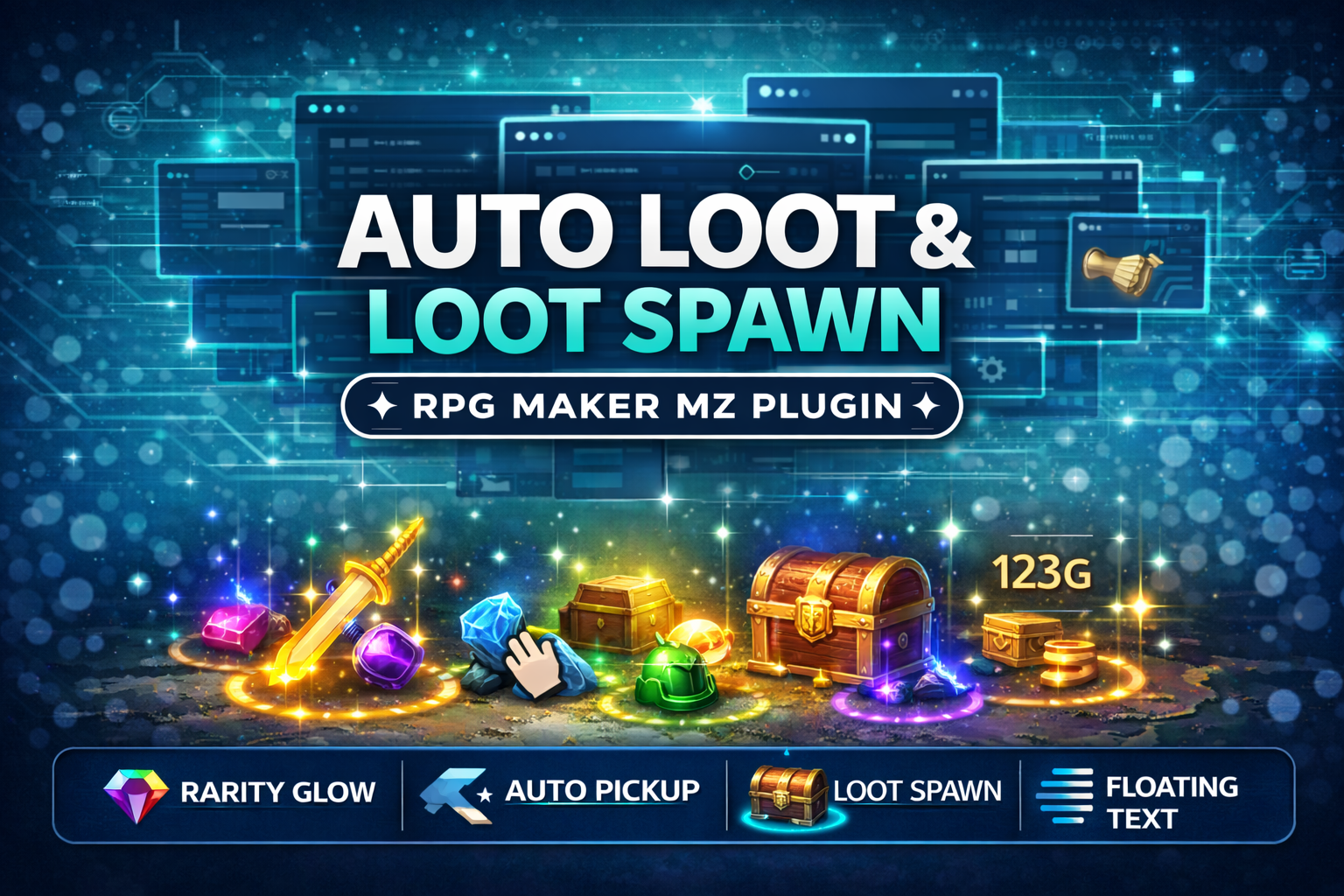
CT_AutoLoot & LootSpawn System - Rarity Glow + Auto Pickup (RPG Maker MZ Plugin)
Add polished, action-RPG style loot drops to your RPG Maker MZ game! Also lets you spawn glowing loot on the map
$4.99 USDVIEW DETAILS →
Utility / RPG Maker MZ
Turn any RPG Maker MZ picture into a UI button. Bind Common Events, Map Events and Troop Event Pages to pictures,
Checkout and downloads on itch.io. Check the listing for the current price.
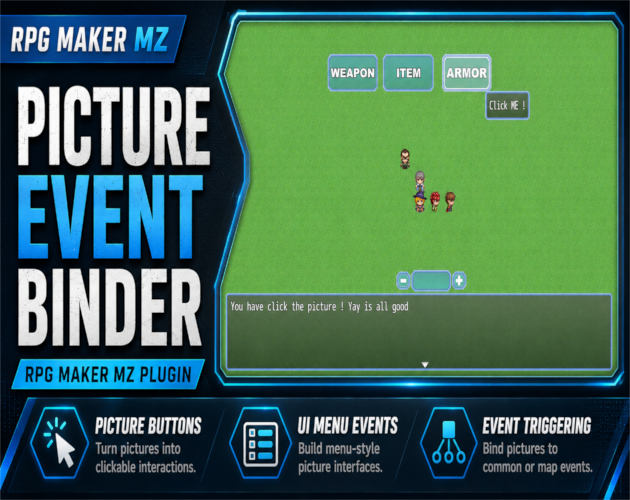
CT_PictureEventBinder – Picture Buttons for RPG Maker MZ
CT_PictureEventBinder turns any Show Picture image into a powerful UI button for your RPG Maker MZ projects.
Bind Common Events, Map Events and Troop Event Pages to pictures, add hover/press visual feedback, tooltips, enable/disable states and button sounds – all without writing any JavaScript.
Perfect for custom menus, in-game tools, crafting screens, debug panels, and more.
Version 1.3 introduces the PEB Editor (Picture Placement Editor) which allows developers to visually position UI pictures directly inside the game.
Bind any picture to a Common Event.
Great for:
Trigger an existing Map Event’s command list (active page or specific page).
Reuse your event logic without duplicate copy-paste.
Bind a picture to a Troop Event Page during battle.
Create:
Built-in visual feedback for UI interaction.
Hover
Press
All effects are configurable via plugin parameters.
Display helpful UI descriptions when hovering a picture.
Features:
Perfect for UI hints and button descriptions.
Temporarily disable UI buttons.
Disabled pictures:
Optional sound effects for UI interaction:
All SE settings support:
Clicking a picture button will not make the player walk.
This ensures picture-based UI behaves like a proper interface layer rather than map decoration.
Version 1.3 introduces the Picture Placement Editor (PEB Editor).
This developer tool allows you to visually drag and position UI pictures directly inside the game.
Instead of repeatedly editing X/Y coordinates in the Show Picture command, you can now:
The saved layout will automatically apply the next time those pictures appear.
This dramatically speeds up building picture-based UI systems.
The PEB Editor is accessed through CT_DevModeManager, the in-game developer dashboard for RPG Maker MZ.
Download DevModeManager here:
https://cynthiatool.itch.io/ct-devmodemanager-in-game-developer-dashboard-for-rpg-maker-mz
After installing DevModeManager:
The editor will appear as an overlay allowing you to move pictures visually.
All setup is done using RPG Maker’s normal event system.
You only need:
Available commands include:
• Bind Common Event • Bind Map Event • Bind Troop Event Page • Set Tooltip • Set Enabled • Clear Binding
No scripting required.
If you can make events, you can build custom UI systems.
• Custom main menu or pause menu
• In-game settings panel (audio, difficulty, etc.)
• Crafting / shop / upgrade interfaces
• Developer debug tools
• Battle UI systems
• Interactive UI dashboards built directly inside RPG Maker
• CT_PictureEventBinder.js – main plugin file
• Demo Project
Example maps demonstrating:
• Documentation
You may use this plugin in:
• Free RPG Maker MZ projects • Commercial RPG Maker MZ projects
You may modify the plugin for your own game.
You may not:
• resell the plugin itself • redistribute it as a standalone product
Full license details are included in the Terms of Use document.
CT_PictureEventBinder is part of the Cynthia Tools ecosystem, a growing collection of tools designed to make RPG Maker MZ more powerful and easier to use.
If this plugin helps your project, a rating or comment on itch.io would mean a lot.
##
Autoloot Lootspawn System (Click here to view) (https://cynthiatool.itch.io/ct-autoloot-lootspawn-system-rarity-glow-auto-pickup-rpg-maker-mz-plugin)
Add polished, action-RPG style loot drops to your RPG Maker MZ game! Also lets you spawn glowing loot on the map
--------------------------------------------------------------------------------------------------
Farming System (Click here to view) (https://cynthiatool.itch.io/cynthia-tools-farming-systemrpgmaker-mz-plugin)
"a plugin that let you have farming features inside your rpgmaker mz game.
--------------------------------------------------------------------------------------------------
Elemental Reaction System (Click here to view) (https://cynthiatool.itch.io/cynthia-tools-elemental-reaction-systemrpgmaker-mz-plugin)
" brings modern elemental combo reactions to RPG Maker MZ, allowing skills to chain elements, trigger reaction effects, and add visual impact to combat with minimal setup.
---------------------------------------------------------------------------------------------------
Join the CT Update List for free RPG Maker MZ plugin releases, bug fixes, tips, and bundle discounts: https://cynthiatools-8yhtgy.subscribepage.io (https://cynthiatools-8yhtgy.subscribepage.io/)
(https://cynthiatool.itch.io/cynthia-tools-picture-event-binderrpg-maker-mz-plugin/devlog/1487241/terms-of-use-ct-picture-event-binder)
(https://itch.io/blog/1517825/ai-maker-philosophy)
Built with AI assistance. Shaped, tested, and supported by a real maker.
1 / 7
Ready to put it to work?
▶ GET IT ON ITCH.IOUtilityRPG Maker MZ
Add polished, action-RPG style loot drops to your RPG Maker MZ game! Also lets you spawn glowing loot on the map
 Utility
RPG Maker MZ
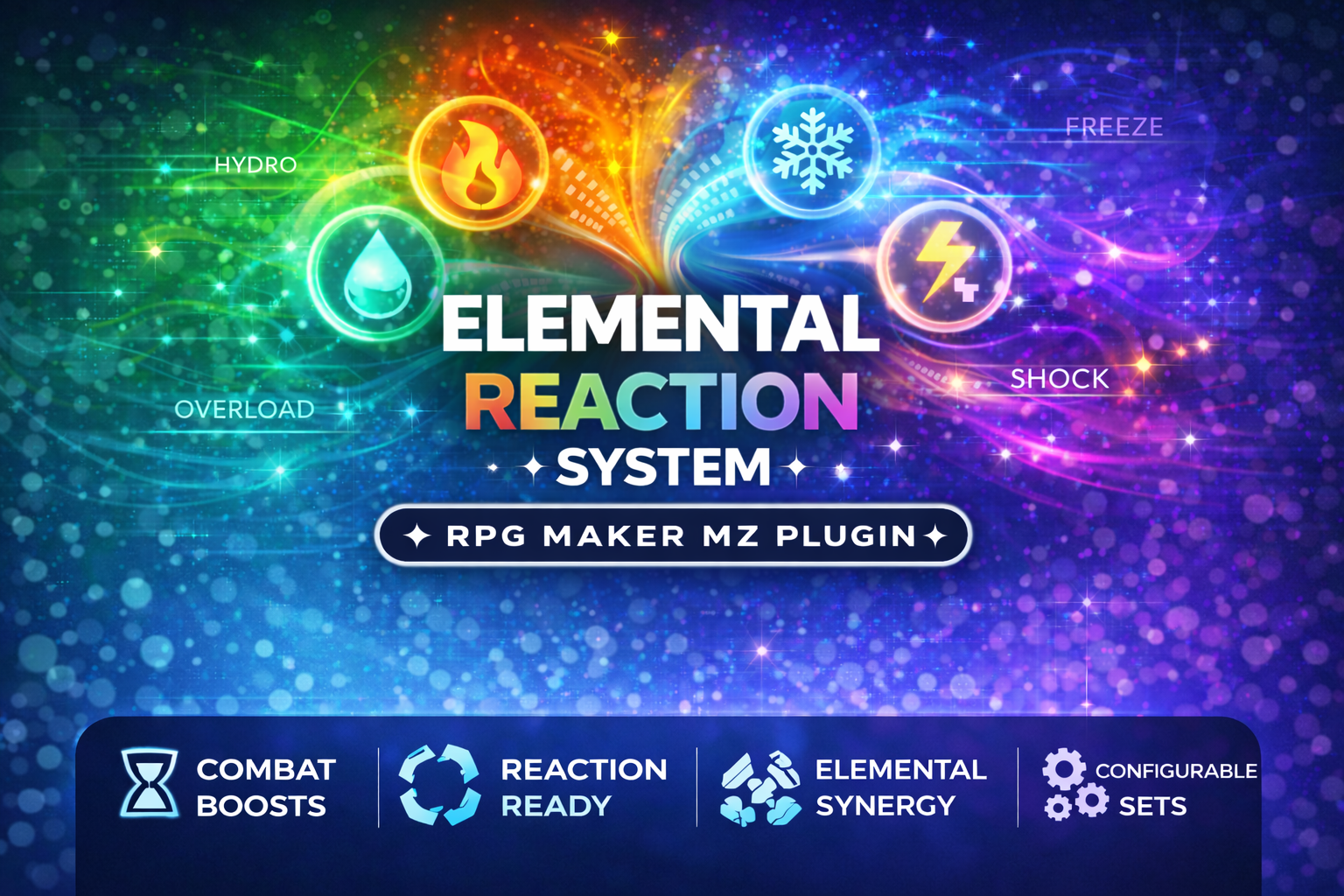
CT_ElementalReactions is a professional, plug-and-play Elemental Reaction Combat System for RPG Maker MZ
 Utility
RPG Maker MZ
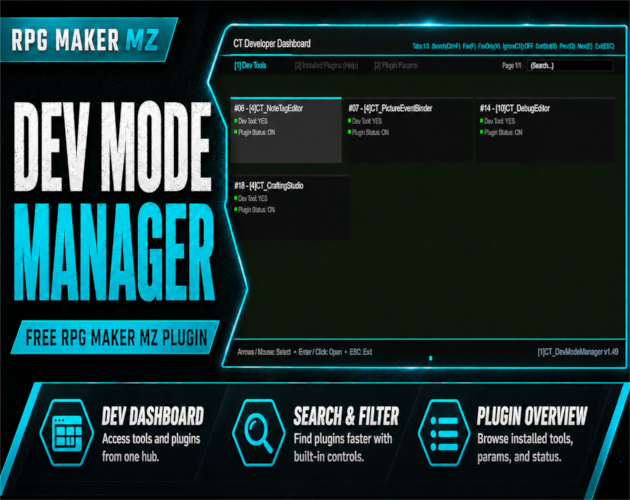
An in-game developer dashboard for RPG Maker MZ — dev tool launcher, parameter inspector, and plugin help viewer.