 Utility
RPG Maker MZ
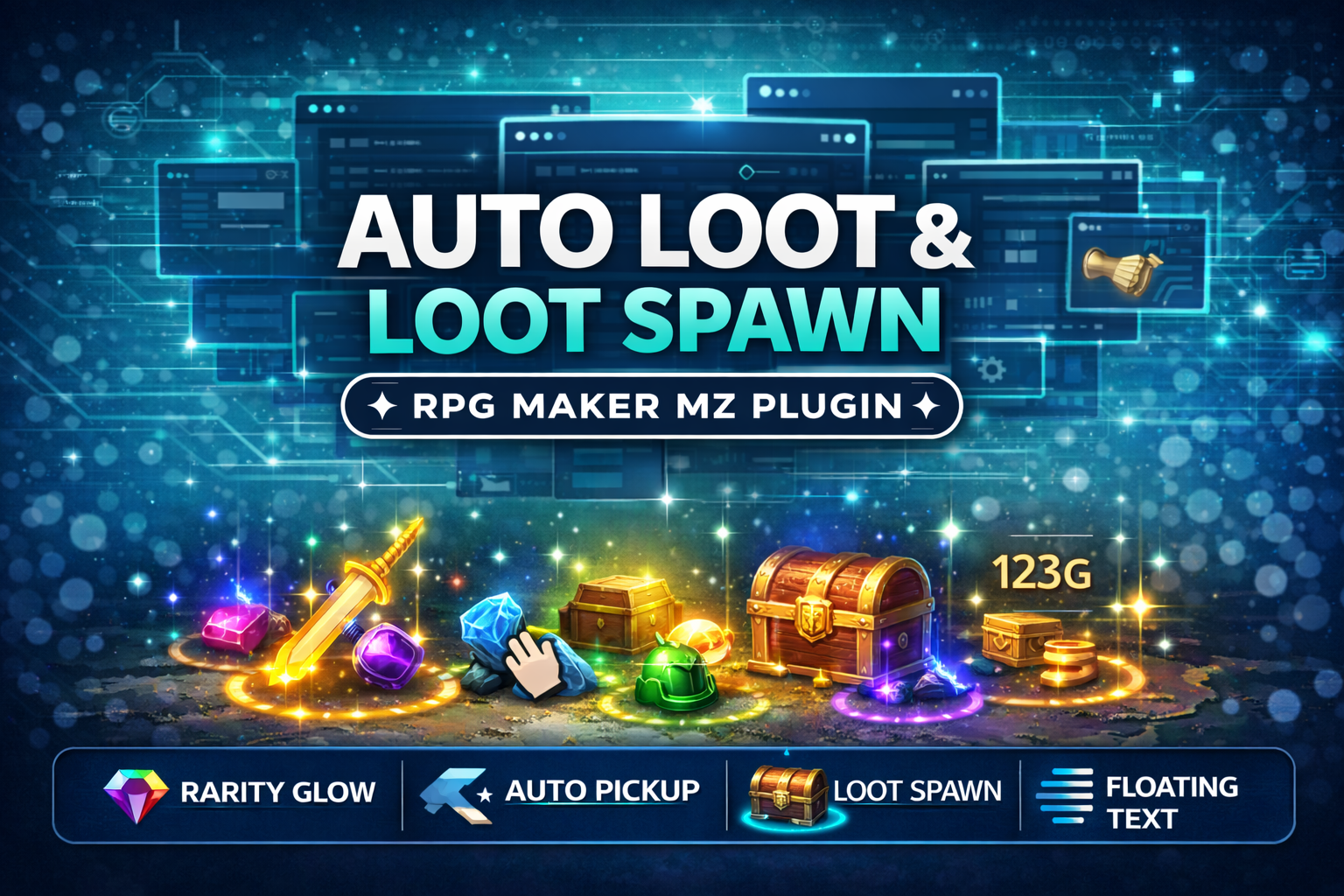
CT_AutoLoot & LootSpawn System - Rarity Glow + Auto Pickup (RPG Maker MZ Plugin)
Add polished, action-RPG style loot drops to your RPG Maker MZ game! Also lets you spawn glowing loot on the map
$4.99 USDVIEW DETAILS →
Utility / RPG Maker MZ
utomatically add commas, K/M/B/T abbreviations, raise your gold cap, and protect variables from overflowing
Checkout and downloads on itch.io. Check the listing for the current price.
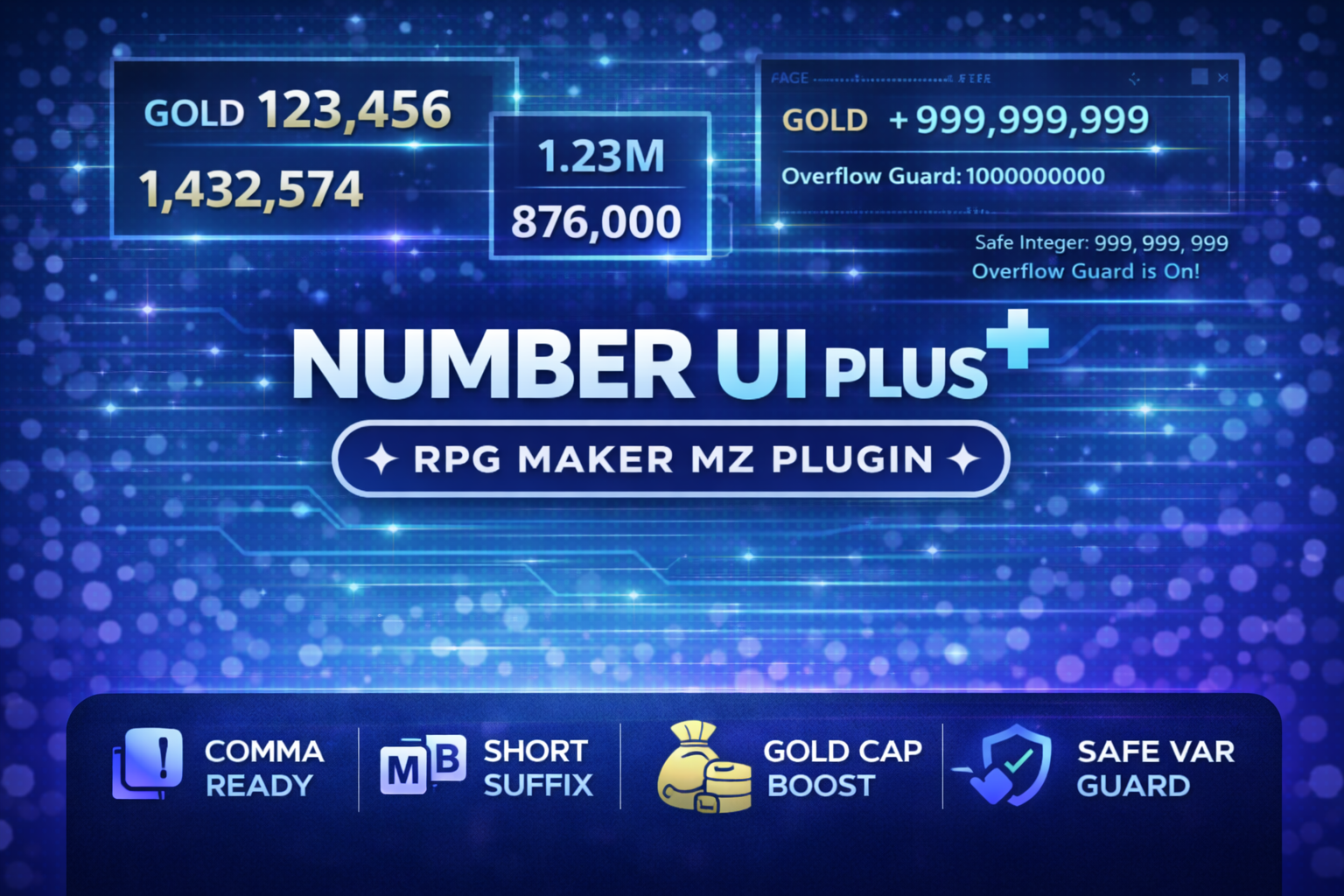
Tired of ugly 999999999 gold values and scary variable overflows?
CT_NumberUIPlus upgrades how numbers look and how they’re handled under the hood – so your game’s UI stays clean even when your players are swimming in absurd amounts of money.
CT_NumberUIPlus
**1. Clean number formatting everywhere**
- Adds commas** automatically: 1000000 → 1,000,000
CT_NumberUIPlus
You keep writing normal event commands – the plugin quietly makes your numbers pretty.
**2. Higher gold cap (no more 99,999,999 limit)
CT_NumberUIPlus
CT_NumberUIPlus**
**Perfect for idle / incremental / gacha-style economies where numbers grow stupidly big.**
****3. Safe Variable Guard (anti-overflow protection)
CT_NumberUIPlus
This helps you avoid weird bugs from huge numbers silently breaking your math.
**4. Simple script API
Need custom formatting in a plugin or script call?
CTNumberUIPlus.format(1234567); // "1,234,567" or "1.23M" CTNumberUIPlus.formatText("1000"); // "1,000" or "1K"
Backwards compatibility alias: CT_NumberGoldGuard points to the same API.
CT_NumberUIPlus
**- Enable/disable formatting entirely
CT_NumberUIPlus
CT_NumberUIPlus**
CT_NumberUIPlus****
****You can keep it super simple (just commas) or go full idle-game style.****
******### 🧰 Perfect for
Once the plugin is ON:
CT_NumberUIPlus
If Enable Formatting is false, only the gold cap & guard parts will run (if enabled).
**### 4.2. Number Formatting Options
Enable Formatting
Use Commas (commasEnabled)
Use Short Suffix (K/M/B/…) (shortEnabled)
CT_NumberUIPlus
**Shortening Starts At (shortThreshold)**
**- Choose the minimum value before shortening kicks in:
Suffix Style (suffixStyle)
CT_NumberUIPlus
**Space Before Suffix**
**- On: 1.2 K
Decimals When Shortened (decimalsWhenShort)
CT_NumberUIPlus
**Rounding Mode (roundingMode)**
- Round** – standard rounding.
Format Numbers Inside Longer Text (drawText) (formatNumbersInsideText)
Min Digits (Inside Text) (minDigitsInsideText)
CT_NumberUIPlus
**Format Numbers After Escape Codes (formatAfterEscapeCodes)**
**- On: result of message escape codes (like \V[1]) will be passed through the formatter.
Ignore Leading Zeros (ignoreLeadingZeros)
Enable Gold Cap Boost (goldCapEnabled)
CT_NumberUIPlus
**Max Gold Cap (maxGoldCap)**
**- Range: 99,999,999 up to 9,007,199,254,740,991 (JS safe integer).
CT_NumberUIPlus
**Clamp Existing Gold On Boot (clampGoldOnBoot)**
**- On: at game boot, if the party has more gold than your cap, it’s reduced down to the cap.
CT_NumberUIPlus
**Enable Safe Variable Guard (variableGuardEnabled)
CT_NumberUIPlus
**Guard Mode (variableGuardMode)**
- Clamp** – if a value exceeds JS safe integer, clamp it to ±Number.MAXSAFEINTEGER and log a warning.
CT_NumberUIPlus
**Also Guard gainGold (extra safety) (guardAppliesToGoldOps)**
**- On: gainGold(amount) is also passed through the guard.
CT_NumberUIPlus****
(https://cynthiatool.itch.io/cynthia-tools-picture-event-binderrpg-maker-mz-plugin)
Picture Event Binder (Click here to view) (https://cynthiatool.itch.io/cynthia-tools-picture-event-binderrpg-maker-mz-plugin)
CT_PictureEventBinder turns any Show Picture image into a powerful UI button for your RPG Maker MZ projects.
Bind Common Events, Map Events and Troop Event Pages to pictures, add hover/press visual feedback, tooltips, enable/disable states and button sounds
-------------------------------------------------------------------------------------------
Farming System (Click here to view) (https://cynthiatool.itch.io/cynthia-tools-farming-systemrpgmaker-mz-plugin)
"a plugin that let you have farming features inside your rpgmaker mz game.
-------------------------------------------------------------------------------------------
Elemental Reaction System (Click here to view) (https://cynthiatool.itch.io/cynthia-tools-elemental-reaction-systemrpgmaker-mz-plugin)
" brings modern elemental combo reactions to RPG Maker MZ, allowing skills to chain elements, trigger reaction effects, and add visual impact to combat with minimal setup.
-----------------------------------------------------------------------------------------
Join the CT Update List for free RPG Maker MZ plugin releases, bug fixes, tips, and bundle discounts: https://cynthiatools-8yhtgy.subscribepage.io (https://cynthiatools-8yhtgy.subscribepage.io/)
(https://itch.io/blog/1488103/terms-of-use-license) (https://itch.io/blog/1517825/ai-maker-philosophy)
Built with AI assistance. Shaped, tested, and supported by a real maker.**********************************
1 / 3
Ready to put it to work?
▶ GET IT ON ITCH.IOUtilityRPG Maker MZ
Add polished, action-RPG style loot drops to your RPG Maker MZ game! Also lets you spawn glowing loot on the map
 Utility
RPG Maker MZ
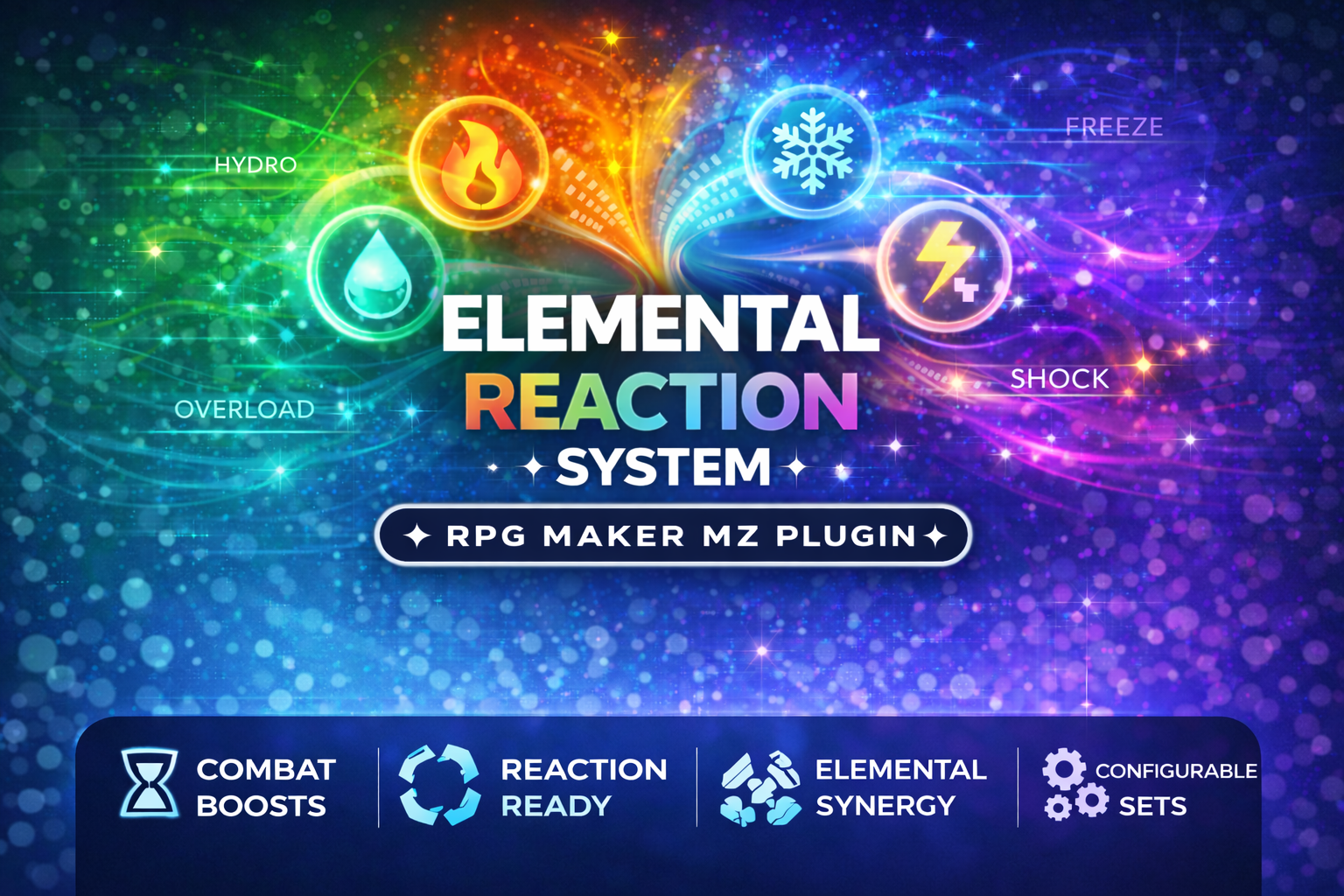
CT_ElementalReactions is a professional, plug-and-play Elemental Reaction Combat System for RPG Maker MZ
 Utility
RPG Maker MZ
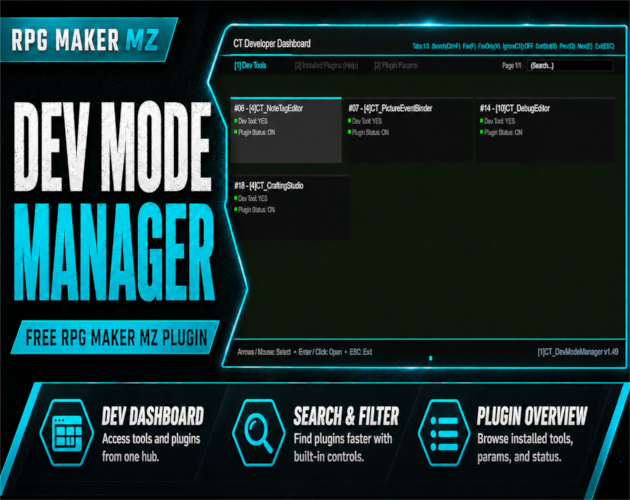
An in-game developer dashboard for RPG Maker MZ — dev tool launcher, parameter inspector, and plugin help viewer.