 Tools
Toolstool
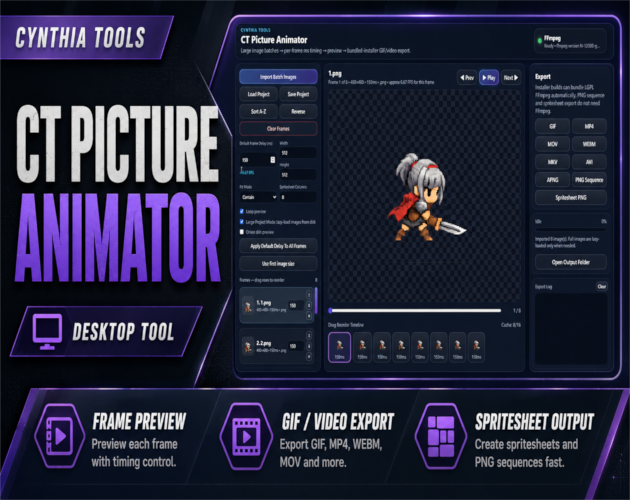
CT Picture Animator – Image Frame Animation & Export Tool
Create GIFs, videos, PNG sequences, and spritesheets from image frames with an easy desktop animation workflow.
$5.00 USDVIEW DETAILS →
Tools /
A fast, simple, free PNG compression tool that reduces file size without losing quality.
Checkout and downloads on itch.io. Check the listing for the current price.
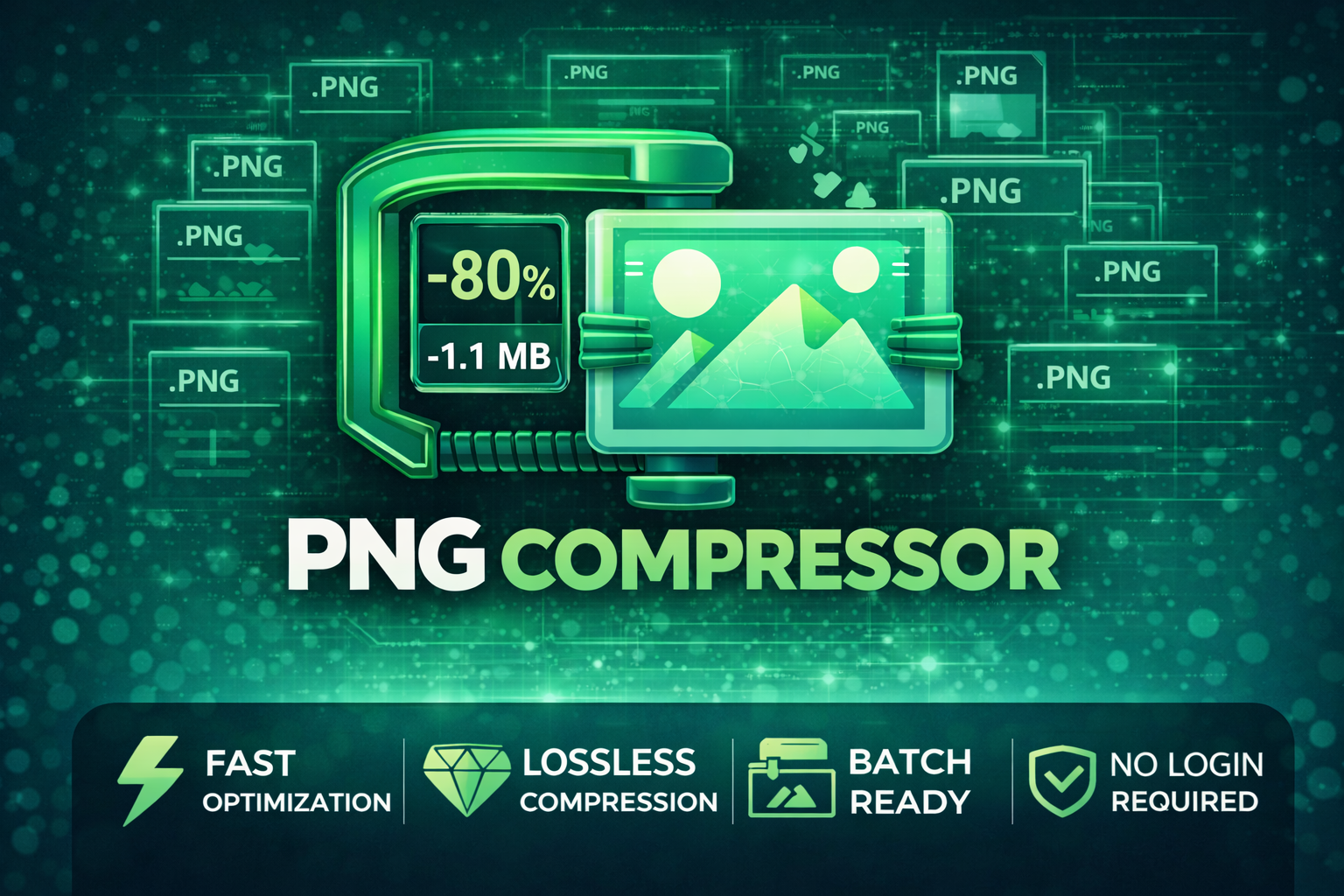
PNG Compressor is a lightweight, fast, and beginner-friendly tool designed to instantly reduce PNG file sizes without losing image quality. Perfect for creators, designers, indie developers, and anyone who needs clean, optimized images for websites, thumbnails, games, UI assets, or digital stores.
This tool follows the Cynthia Tools Hammer Principle — simple, straightforward, and instantly useful.
Just drop in your PNG → get a smaller, optimized version in seconds.
⭐ Why use PNG Compressor?
Your images load faster
Your website becomes lighter
Your thumbnails upload quicker
Your game builds shrink in size
Your storage space is saved
And most importantly… everything stays crystal clear ✔️
🧰 Core Features
Compress PNG images with near-lossless quality
Instant output (no lag, no complexity)
Modern clean UI
Free to use forever
No internet needed
No watermark
No ads
Works on Windows
💙 Free & Always Will Be
This is a free tool from Cynthia Tools.
If anyone tries to sell it — they are scamming you.
Please do not buy or resell this software.
Donations are optional and deeply appreciated. 💙
🎁 Who is this tool for?
Indie game developers
Itch.io creators
YouTubers & streamers
Digital artists
UI/UX designers
Content creators
Web developers
Anyone needing smaller, cleaner PNG files
📦 What You Get
PNG Compressor (exe)
“How to Use” guide
Free updates
No hidden costs
HOW TO USE — PNG Compressor
Thank you for using Cynthia Tools — PNG Compressor!
This tool helps you reduce PNG file sizes while keeping the visual quality high.
Double-click: Click This To Run.exe
Click “Select PNG(s)” and choose one or multiple PNG files.
Click “Select Output Folder”.
If skipped, files save to ./output/ automatically.
Lossless Mode — Identical quality, minor size reduction.
High Quality (256 colors) — Best balance, almost identical visuals.
Balanced (128 colors) — Medium reduction, slight smoothing.
High Compression (64 colors) — Maximum size cuts, may reduce gradients.
Click “Compress”. A message appears when done.
Find compressed images in the chosen output folder or in ./output/.
Tips:
✔ Lossless = safe for all images
✔ High Quality = best for 90% of users
✔ Works offline
✔ Batch compression supported
More Tools and Software:
Ko-fi: https://ko-fi.com/cynthiatools
⭐ Disclaimer
This is a free software created by Cynthia Tools.
If you obtained this tool from someone who is selling it, you have been scammed.
This software must not be resold, repackaged, or redistributed for profit under any circumstances.
You are welcome to:
✔ Use it
✔ Share it
✔ Recommend it
…but do not sell it.
All official versions are distributed for free through:
https://zymmylim.itch.io or https://cynthiatool.itch.io/
https://ko-fi.com/cynthiatools
If you see anyone selling this tool, please report it to email at cynthiatools86@gmail.com
Check out our best-selling RPG Maker plugin!
****Picture Event Binder (Click here to view) (https://cynthiatool.itch.io/cynthia-tools-picture-event-binderrpg-maker-mz-plugin)****
******CT_PictureEventBinder turns any Show Picture image into a powerful UI button for your RPG Maker MZ projects.
Bind Common Events, Map Events and Troop Event Pages to pictures, add hover/press visual feedback, tooltips, enable/disable states and button sounds
-------------------------------------------------------------------------------------------
Farming System (Click here to view) (https://cynthiatool.itch.io/cynthia-tools-farming-systemrpgmaker-mz-plugin)
"a plugin that let you have farming features inside your rpgmaker mz game.
-------------------------------------------------------------------------------------------
Elemental Reaction System (Click here to view) (https://cynthiatool.itch.io/cynthia-tools-elemental-reaction-systemrpgmaker-mz-plugin)
" brings modern elemental combo reactions to RPG Maker MZ, allowing skills to chain elements, trigger reaction effects, and add visual impact to combat with minimal setup.******
******-------------------------------------------------------------------------------------------******
Join the CT Update List for free RPG Maker MZ plugin releases, bug fixes, tips, and bundle discounts: https://cynthiatools-8yhtgy.subscribepage.io (https://cynthiatools-8yhtgy.subscribepage.io/)
(https://itch.io/blog/1488103/terms-of-use-license)
1 / 3
Ready to put it to work?
▶ GET IT ON ITCH.IOToolstool
Create GIFs, videos, PNG sequences, and spritesheets from image frames with an easy desktop animation workflow.
 Tools
Toolstool
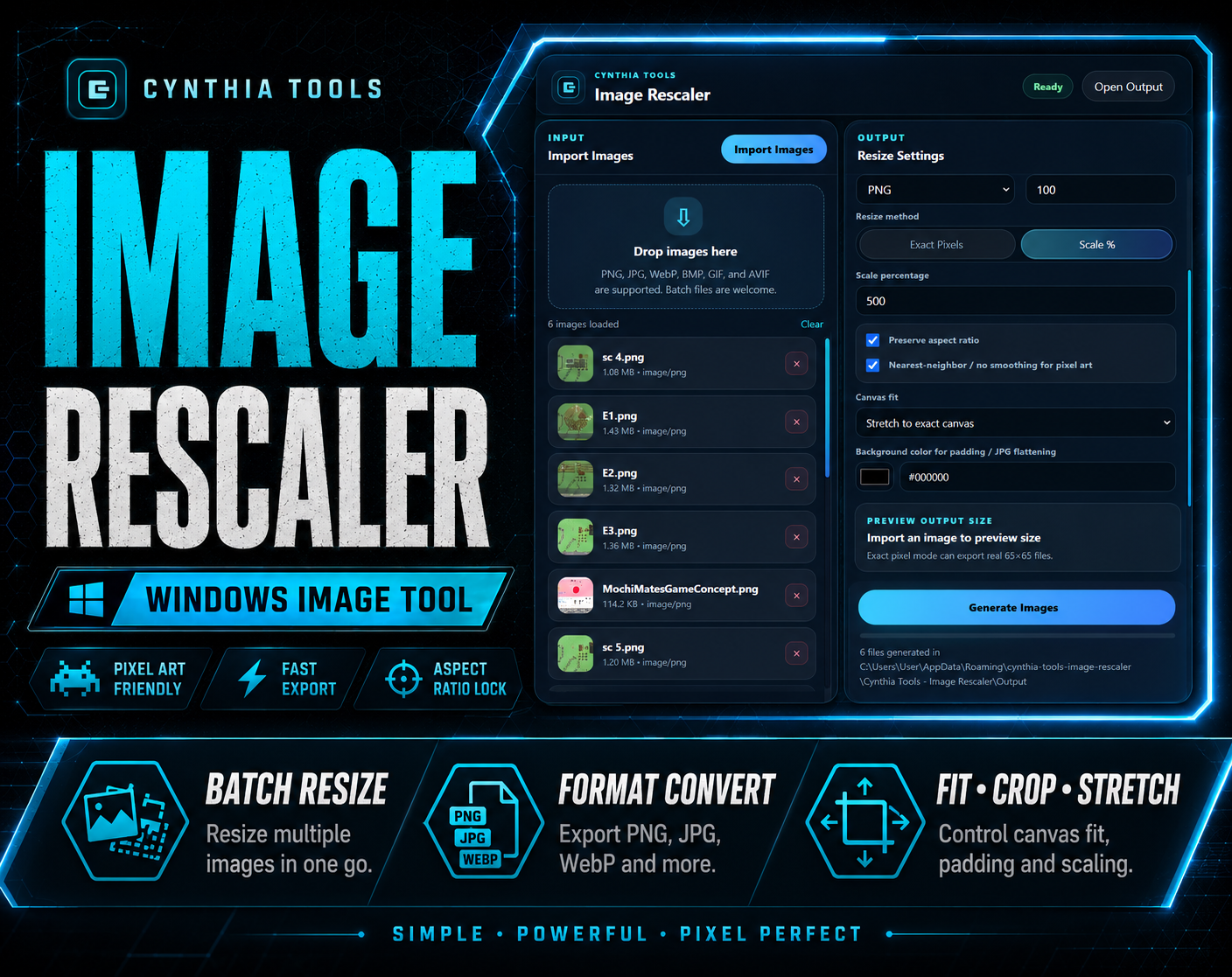
Batch resize, convert, crop, pad, and export images fast
 Tools
Toolstool
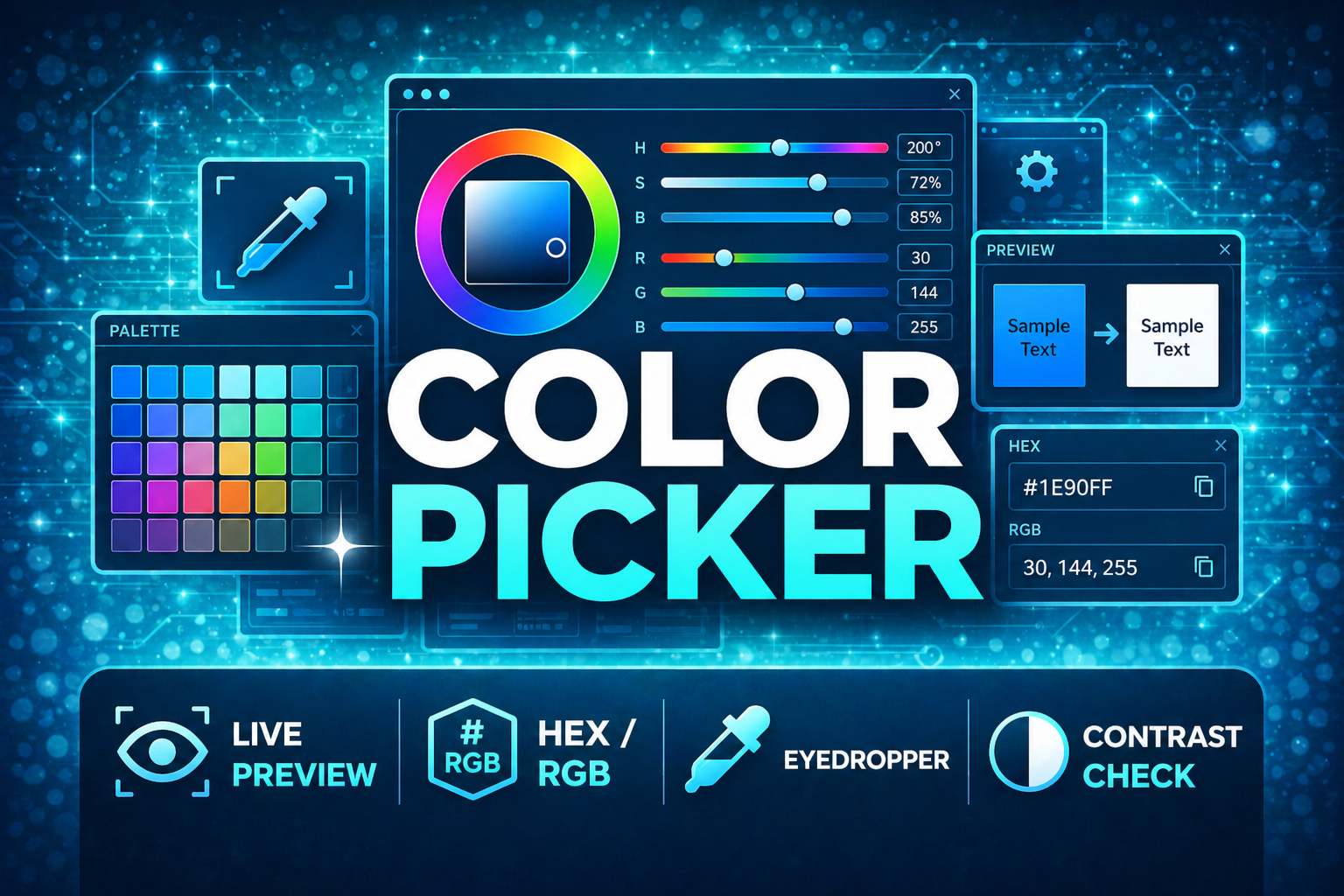
A fast desktop color picker. Pick colors, build palettes, check contrast, and copy formats instantly.